
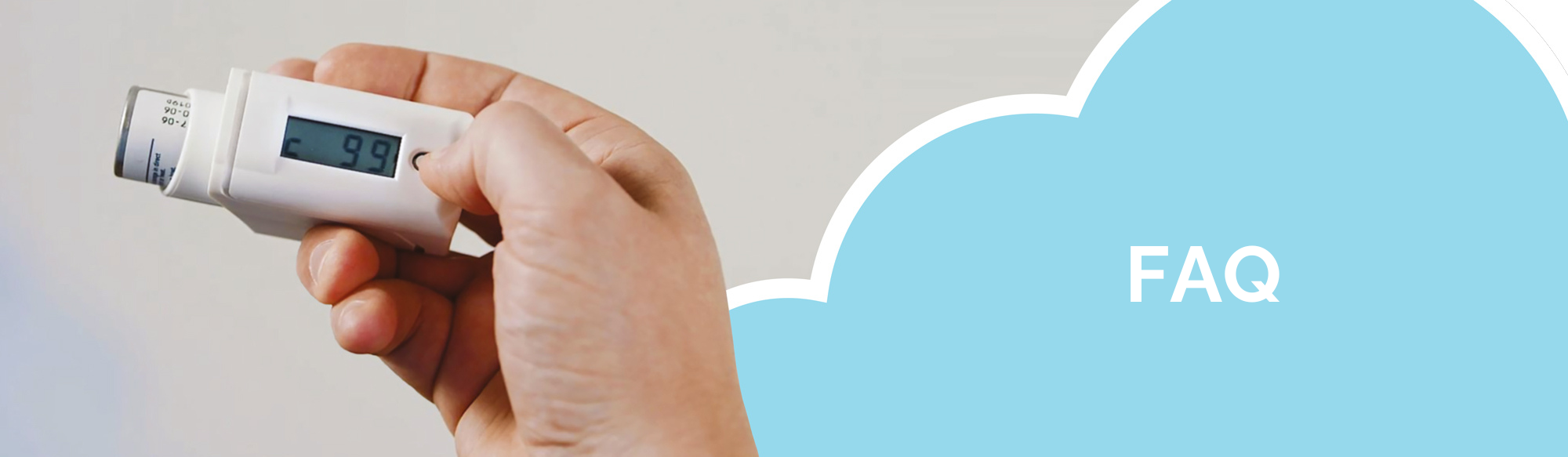
The CountAir® is the first medical device specifically developed for all COPD and asthma patients who use a metered dose inhaler without a built-in counter. The CountAir® counts the number of inhalations. This way, you can easily see how many doses are left in the inhaler. The CountAir® counts down, so you always know how many inhalations are remaining.
The CountAir® counts the number of inhalations and counts down. This way, you can see how many inhalations are left in the metered dose inhaler. Always use one CountAir® per metered dose inhaler. Click here for the user instructions.
No, this is not necessary. The CountAir does not have an on/off button and is ready for use immediately. As soon as you take an inhalation, you will see the remaining number of inhalations on the display. These remain visible for 10 seconds, after which the display turns off.
Yes, but not automatically. By default, the CountAir® is set for right-handed use. For left-handed users, the screen can display the numbers in reverse. Here’s how to do it: Wait until the screen is empty. Press and hold the control button. Press the setting button once until the screen is rotated 180 degrees.
Yes, this is possible. Remove the protective cap from the metered dose inhaler and take it out of the CountAir. Put the protective cap back on the metered dose inhaler and insert the new metered dose inhaler into the CountAir according to the user instructions. You do not need to clean the CountAir first or let the counter count down to 0. After inserting the new medication, you can reset the number of inhalations.
The battery lasts for at least 2 years with average use. When the battery is almost empty, two vertical lines appear on the screen. It is time to replace the CountAir®, otherwise, there is a risk that it will no longer display the correct number of inhalations. The battery is not replaceable. You can dispose of the CountAir® as electronic waste.
Click here for the user instructions or refer to the user instructions in the cardboard box of the CountAir.
You can wipe the exterior with a clean damp cloth. Do not hold the CountAir under the tap, as it is not waterproof.
Yes, this is possible. Press the button next to the screen for this. The remaining number of doses will now appear on the screen. Once you release the button, the screen will turn off again.
You only need to reset the CountAir® when you have inserted a new metered dose inhaler.
This means that the CountAir® has counted down to zero. You now need to place a new aerosol in the CountAir®.
No, this is not possible.
This means that the battery of the CountAir® is running low and can no longer display the remaining inhalations. Replace the CountAir®.
Yes, usually this is possible. However, if there is still medication left in the metered dose inhaler, we advise you to return it to the pharmacy.
Store the CountAir® with the metered dose inhaler clean and dry to prevent contamination or activation. Refer to the package insert of your medication for the correct storage conditions.
The correct reading direction is when the ‘C’ is positioned in the bottom left corner of the screen. This also applies to left-handed use.
The CountAir® is available for purchase at pharmacies. Dutch and Belgian customers can also purchase the CountAir® via the webshop
This varies by country; please contact your health insurance for further information.
Yes, this is possible. Place the inhaler chamber on the CountAir® as you are used to or as explained by your treating physician/pharmacist.
Please contact your treating physician/pharmacist.
No, this is not allowed. You must dispose of the CountAir as electronic waste at your municipality.